Login
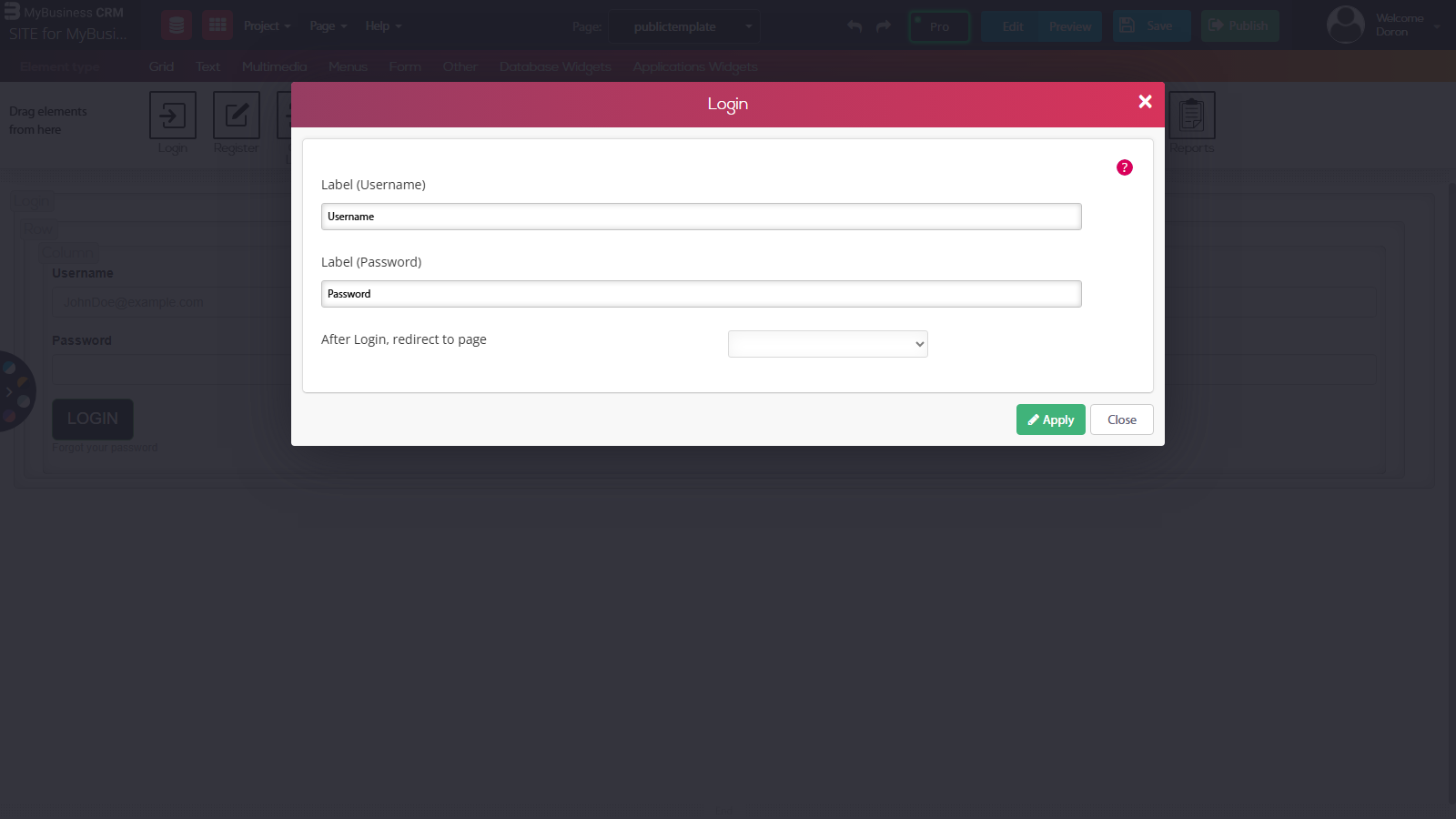
The Login/logout app that includes an email verification is simple and easy to add to your site. Simply drag and drop the login widget from your top app widget bar. In the window that opens you can change the label of the login credentials and choose where to redirect your user to after login.
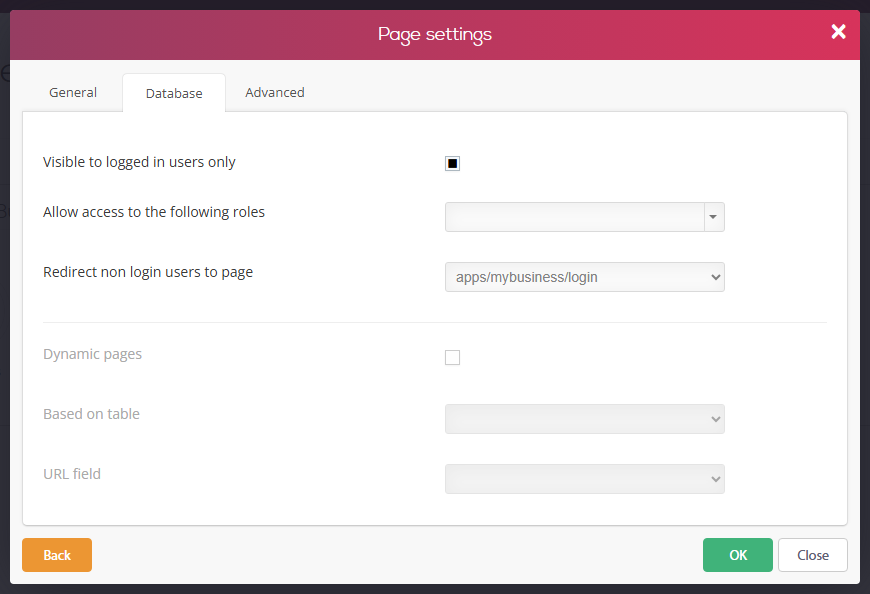
To make the destination page visible only for logged in users, we need to go to page settings and choose "visible to logged in users only" and choose a page to send non registered users to.
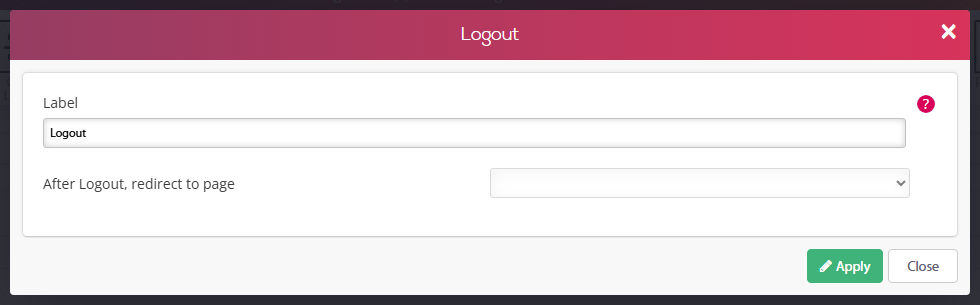
Logout
Simply drag and drop the logout widget as you did with the login widget and pick where to redirect your user after he logged out.